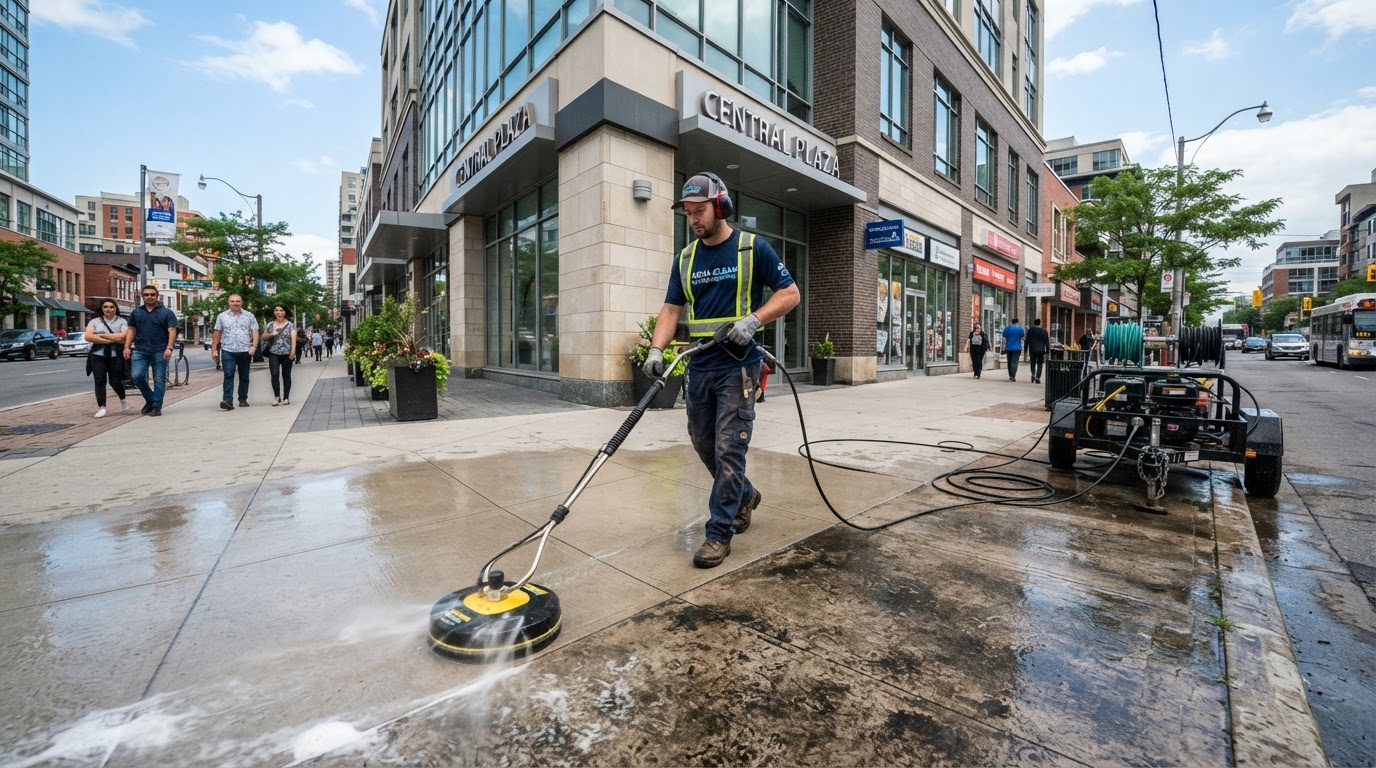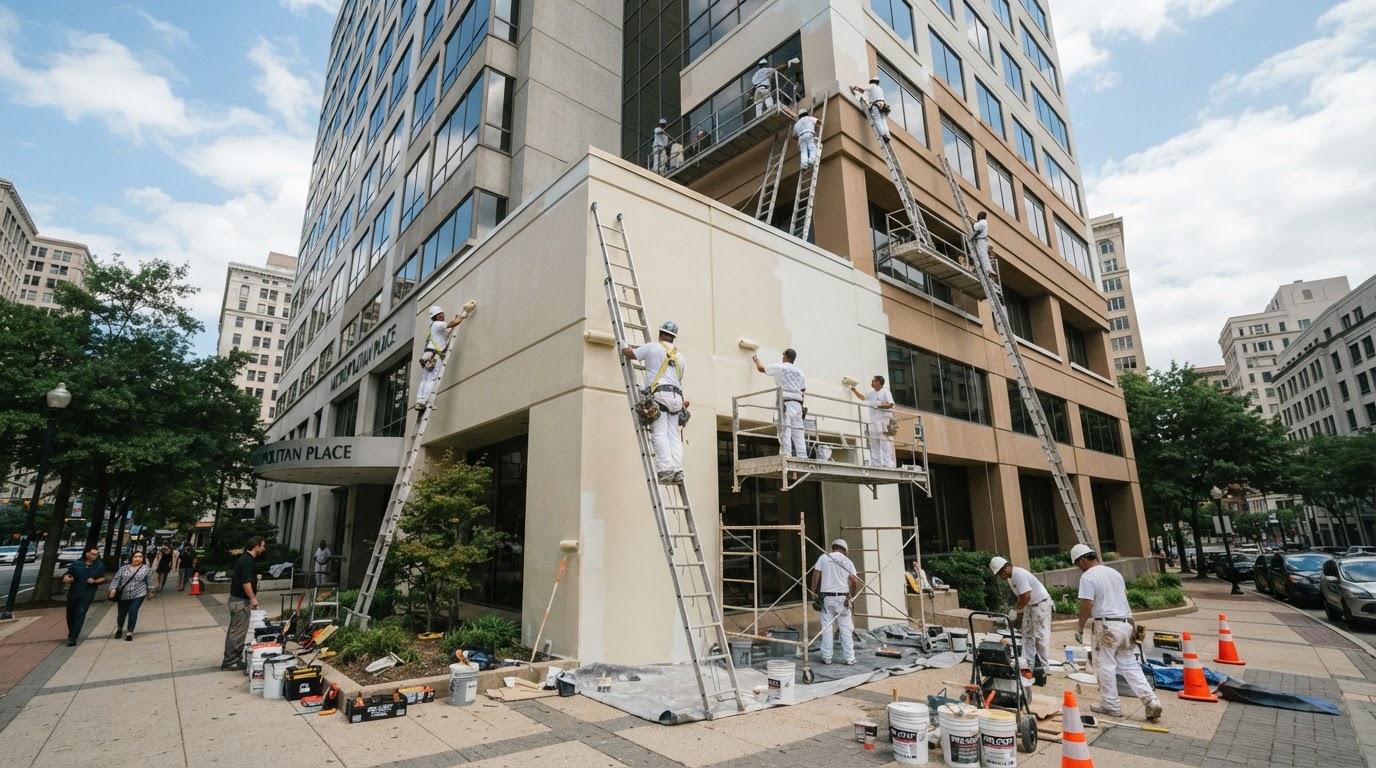

A facility manager at a multi-story office building searches "commercial window cleaning near me" on Google. They see several ads at the top of the page. They click the first one that looks relevant, land on a page that clearly describes commercial window cleaning services, and call the number listed. Within five minutes, they have a quote request in progress.
That is the goal of a well-structured Google Ads campaign for commercial window cleaning: connect with the right buyer at the exact moment they are searching, send them to a page that matches what they need, and make it easy for them to contact you. This guide walks owners and marketing managers through a practical, step-by-step approach to building and optimizing a Google Ads campaign designed for commercial window cleaning companies. No fabricated benchmarks, no guaranteed results — just a clear framework you can follow. For a broader marketing and follow-up system, see our commercial window cleaning growth system.
Commercial vs Residential Search Intent
Before building any campaign, it helps to understand a key distinction: commercial and residential window cleaning searches have very different intent. A homeowner searching "window cleaning near me" wants a different service, at a different price point, with different expectations than a facility manager searching "commercial window cleaning [city]" or "office building window washing."
If your ads capture residential clicks, you pay for traffic that is unlikely to convert into commercial contracts. The foundation of a profitable campaign is separating commercial intent from residential intent and ensuring your budget goes toward the right searches.
Signs of commercial search intent include keywords like "commercial window cleaning," "office building window washing," "storefront window cleaning," "high-rise window cleaning," and "property management window cleaning." These searches typically come from facility managers, property managers, or business owners who need a reliable contractor for ongoing or one-time service.
Campaign and Ad-Group Structure
A clean campaign structure helps you control budget, targeting, and messaging. For most commercial window cleaning companies, a single campaign with well-organized ad groups is a practical starting point.
Recommended Ad Groups
- Commercial window cleaning — General commercial service keywords (e.g., "commercial window cleaning [city]," "commercial window washing service").
- High-rise and multi-story — Keywords targeting taller buildings (e.g., "high-rise window cleaning," "multi-story window washing").
- Storefront and retail — Keywords targeting retail and small commercial properties (e.g., "storefront window cleaning," "retail window washing").
- Property management services — Keywords targeting recurring contracts (e.g., "window cleaning for property managers," "recurring commercial window cleaning").
Keeping ad groups focused lets you write ad copy that matches the specific search, which improves relevance and helps you see which segments generate the most leads.
Service and Buyer Keywords
Choose keywords that reflect what a commercial buyer actually searches. Focus on specific, intent-driven terms rather than broad, generic ones.
Useful Commercial Keywords
- "commercial window cleaning [city]"
- "office building window washing"
- "high-rise window cleaning service"
- "storefront window cleaning company"
- "commercial window cleaning for property managers"
- "recurring commercial window cleaning"
Avoid broad terms like "window cleaning" or "window washer" without commercial modifiers — these attract residential searches and waste your budget.
Negative Keywords
Negative keywords prevent your ads from showing on irrelevant searches. For a commercial window cleaning campaign, a strong negative keyword list is essential.
Add These Negative Keywords
- residential, home, house, residential window cleaning
- DIY, how to, tutorial, guide
- cheap, free, affordable (unless you specifically target budget-conscious buyers)
- gutters, pressure washing (unless you offer those services and want to capture them separately)
- jobs, employment, hiring, career
Review your search term report weekly during the first month and add new negatives as you spot irrelevant queries. This is one of the fastest ways to reduce wasted spend.
Geographic Targeting
Commercial window cleaning companies usually serve a defined area. Use geographic targeting to show your ads only in the locations you actually work.
- If you serve a metro area, target the metro and surrounding communities you genuinely cover.
- If you serve multiple cities, consider separate ad groups or campaigns for each area so you can tailor ad copy and landing pages.
- Exclude areas you do not serve to avoid paying for clicks from outside your service territory.
You can see whether we work in your market on our service areas page.
Landing-Page Alignment
Where you send ad traffic matters as much as the ad itself. Sending visitors to your homepage is a common mistake — a dedicated landing page converts better because it matches the ad message and focuses on one clear action.
What a Good Landing Page Includes
- A headline that matches the ad (e.g., "Commercial Window Cleaning in [City]")
- A short description of your commercial services (high-rise, storefront, office buildings, recurring contracts)
- Photos of commercial buildings you have cleaned (no fabricated client names or logos)
- Trust signals: license number, insurance, safety compliance, years in business
- A clear call-to-action: "Call Now" or "Request a Free Quote"
- Your phone number prominently displayed — facility managers often prefer calling
- A simple contact form for those who prefer to submit a request online
The page should load quickly, work well on mobile, and make it obvious what the visitor should do next.
Useful Ad Messaging Without Unsupported Claims
Write ad copy that speaks to what facility managers care about: reliability, professionalism, safety, and responsiveness. Avoid making claims you cannot support.
Ad Copy Guidelines
- Use clear, specific headlines: "Commercial Window Cleaning in [City]" rather than "Best Window Cleaning Company."
- Mention what you actually do: "High-rise, storefront, and office building window washing."
- Include trust signals you can verify: "Licensed and insured," "Safety-compliant," "Free commercial quotes."
- Add a clear call-to-action: "Call for a free quote" or "Request a quote online."
- Avoid superlatives like "#1," "best," or "top-rated" unless you have a verifiable source.
Honest, specific ad copy attracts the right buyers and sets accurate expectations, which improves lead quality.
Call and Form Tracking
If you are not tracking which keywords generate calls and form submissions, you are guessing. Tracking is what turns Google Ads from an expense into a measurable investment.
What to Track
- Call tracking — Use a tracking number on your landing page and ad extensions to connect calls to specific keywords and ads.
- Form submissions — Track which campaigns and ad groups drive quote requests through your website form.
- Cost per lead — Divide your ad spend by the number of calls and form submissions to see what each lead costs.
- Lead quality — Not every call is a qualified commercial opportunity. Track how many leads turn into site visits, quotes, and contracts.
Without tracking, you cannot tell which keywords are worth keeping and which are wasting your budget. See how we think about measurable results and what we track.
Lead Qualification
Not every click becomes a qualified commercial lead. Some callers are residential, some are comparing prices, and some are not ready to decide. A simple qualification process helps your team focus on real opportunities.
Qualification Questions
- Is this a commercial property or a residential home?
- What type of building is it (office, retail, high-rise, industrial)?
- Is this a one-time service or a recurring contract?
- What is the timeline?
- Who is the decision-maker?
When you capture this information early, you can prioritize follow-up and avoid spending time on leads that are not a fit. If you want to see how we handle lead response and qualification, learn more about our Google Ads management approach.
Budget and Bid Considerations
Costs in Google Ads vary widely based on your market, competition, and the quality of your campaign. This guide does not prescribe specific budget amounts — what works for a company in one city may not work in another.
Practical Guidelines
- Start with a budget you are comfortable testing. You need enough data to make decisions, but you do not need to spend aggressively on day one.
- Monitor your cost per click and cost per lead during the first two weeks. If certain keywords generate clicks but no calls, consider pausing them or adding them as negatives.
- Adjust bids based on performance. Increase bids on keywords that generate qualified calls; decrease or pause those that do not.
- Review your budget monthly. As you gather data, you can make informed decisions about scaling up or shifting spend.
Schedule and Device Considerations
Facility managers and property managers often search during business hours, but some research vendors in the evening or on weekends. Consider these factors:
Ad Scheduling
- If you answer calls live during business hours, focus more of your budget on those times.
- If you use a missed-call text-back system or after-hours response, you can run ads more broadly.
- Review your call data to see when you receive the most qualified calls and adjust your schedule accordingly.
Device Targeting
- Most commercial searches happen on mobile. Make sure your landing page is mobile-friendly and your phone number is tap-to-call.
- Desktop traffic may come from office-based research. Check your data to see whether desktop leads convert differently than mobile leads.
Common Sources of Wasted Spend
Many commercial window cleaning companies lose money on Google Ads because of a few preventable mistakes:
- Broad keywords without negatives — Paying for residential clicks that never convert.
- No landing page — Sending traffic to a homepage that does not match the ad or drive a clear action.
- No tracking — Spending budget without knowing which keywords generate calls.
- Irrelevant ad copy — Ads that promise "the best" or "cheapest" attract the wrong buyers.
- Ignoring the search term report — Failing to add new negative keywords as you spot irrelevant queries.
Fixing these issues often reduces wasted spend more than increasing your budget.
Metrics Worth Tracking
A few key metrics tell you whether your campaign is working:
- Impressions and clicks — How often your ads appear and how often people click.
- Click-through rate (CTR) — The percentage of impressions that result in clicks. A low CTR may mean your ad copy or keywords need adjustment.
- Cost per lead — Your ad spend divided by the number of calls and form submissions.
- Lead-to-contract rate — How many leads turn into site visits, quotes, and signed contracts.
- Quality score — Google's estimate of your ad and landing page relevance. Higher quality scores can reduce your cost per click.
Review these metrics weekly during the first month and monthly thereafter.
A 30-Day Launch and Optimization Plan
A phased approach helps you start carefully and improve based on real data.
Days 1–7: Campaign Setup
- Research commercial keywords and build your keyword list.
- Create your campaign with focused ad groups.
- Add a strong negative keyword list.
- Set geographic targeting to your actual service area.
- Build or update a dedicated landing page aligned with your ad copy.
- Set up call tracking and form tracking.
Days 8–14: Launch and Monitor
- Launch the campaign with a modest budget.
- Review the search term report daily and add negative keywords.
- Monitor which keywords generate clicks and which generate calls.
- Check your landing page on mobile to ensure it loads quickly and the call button works.
Days 15–21: Optimize
- Pause keywords that generate clicks but no calls.
- Adjust bids on keywords that generate qualified leads.
- Test new ad copy variations.
- Review your cost per lead and compare it to your expectations.
Days 22–30: Refine
- Review all metrics and identify your best-performing keywords and ads.
- Refine your landing page based on what visitors do (or do not do) after clicking.
- Plan your budget for the next month based on what the data shows.
- Schedule a monthly review going forward.
Implementation Checklist
Use this checklist before and during your campaign:
- [ ] Separate commercial keywords from residential with negative keywords
- [ ] Structure your campaign with focused ad groups
- [ ] Set geographic targeting to your actual service area
- [ ] Build a dedicated landing page aligned with your ad copy
- [ ] Set up call tracking and form submission tracking
- [ ] Write honest, specific ad copy without unsupported claims
- [ ] Add a strong negative keyword list and review it weekly
- [ ] Define your qualification questions for inbound calls
- [ ] Track cost per lead and lead-to-contract rate
- [ ] Schedule a monthly campaign review
Start Building a Smarter Campaign
Google Ads can be a practical way for commercial window cleaning companies to reach facility managers and property managers at the exact moment they are searching. The key is structuring your campaign carefully, targeting the right keywords, sending traffic to a page that converts, and tracking everything so you can make informed decisions. No campaign guarantees results, but a well-built campaign gives you the data you need to improve over time.
If you want to see where your business might be losing opportunities — from wasted ad spend to missed calls to slow follow-up — request a Free Lead-Loss Audit. We will review how your current lead response, follow-up, and advertising are working and identify where improvements could help. You can also learn more about our service areas or see what results we track.