Follow-Up Automation

When your team sends a bid or proposal, configured follow-up helps keep the opportunity visible until a decision is made.
Demonstration using example data. Actual results vary by business, market, and service.
Commercial service businesses spend time preparing estimates, proposals, and bids — then lose track of them. A property manager receives the bid, gets busy, and the opportunity stalls. Without consistent follow-up, the bid sits in an inbox while a competitor who follows up more often wins the contract. Automated bid follow-up sends configured reminders and check-in messages so every proposal stays visible until the prospect makes a decision.
Most contractors do not follow up on bids consistently because they are busy doing the work.
Your team sends a proposal, gets busy with the next job, and never follows up to check if the prospect has questions.
A property manager intends to review the bid but gets distracted, and no reminder arrives to bring it back to their attention.
A competitor follows up more consistently and wins the contract even though your proposal was equally strong.
Your team prepares and sends a bid, proposal, or estimate to a property manager, facility manager, or general contractor.
After a configured interval, the system sends a message asking if the prospect has any questions about the proposal.
A follow-up message highlights your qualifications, timeline, or relevant experience to keep your bid top of mind.
A later message asks if the prospect is still evaluating, has made a decision, or needs additional information.
The opportunity is updated as won, lost, paused, or postponed so your team has an accurate pipeline view.
This system is designed for commercial contractors who send bids and proposals with long decision cycles.
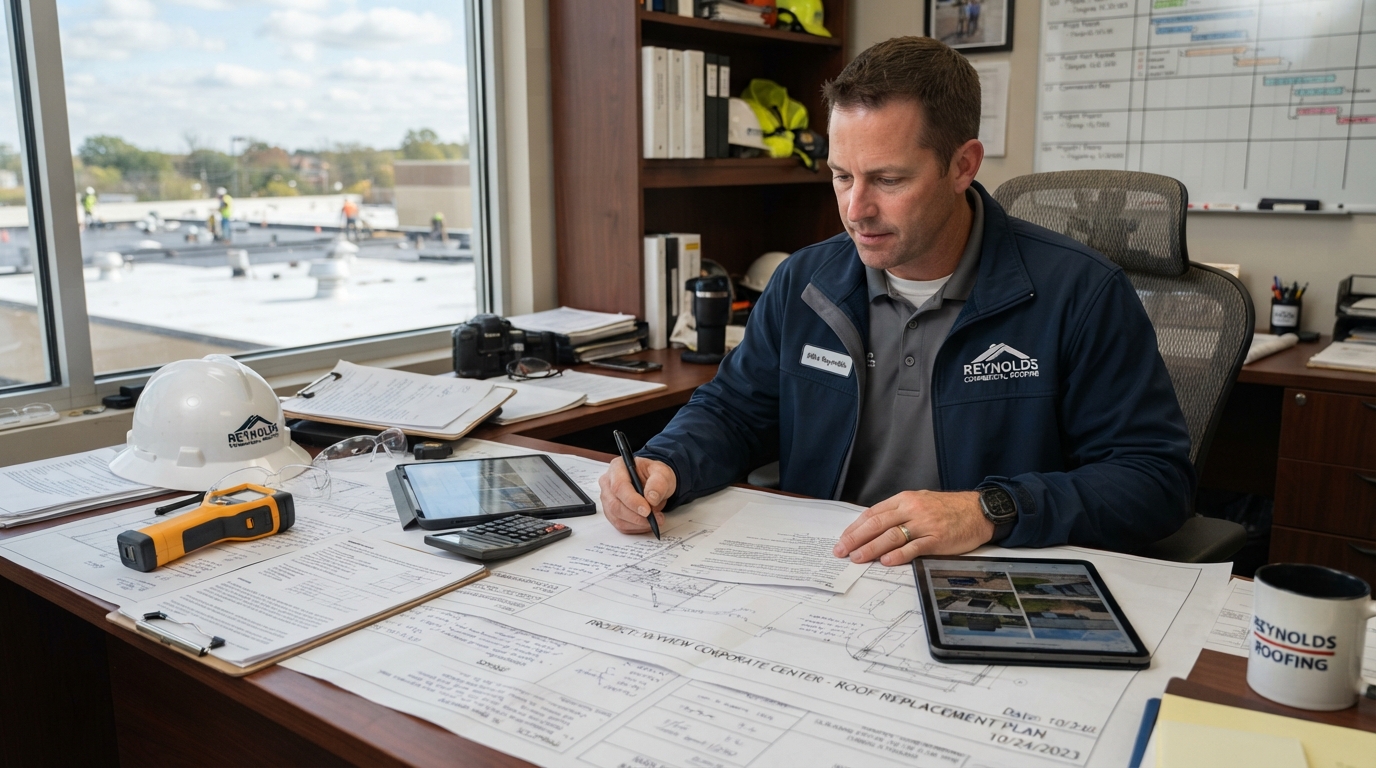
Commercial roofing companies tracking long-cycle bids across multiple property managers
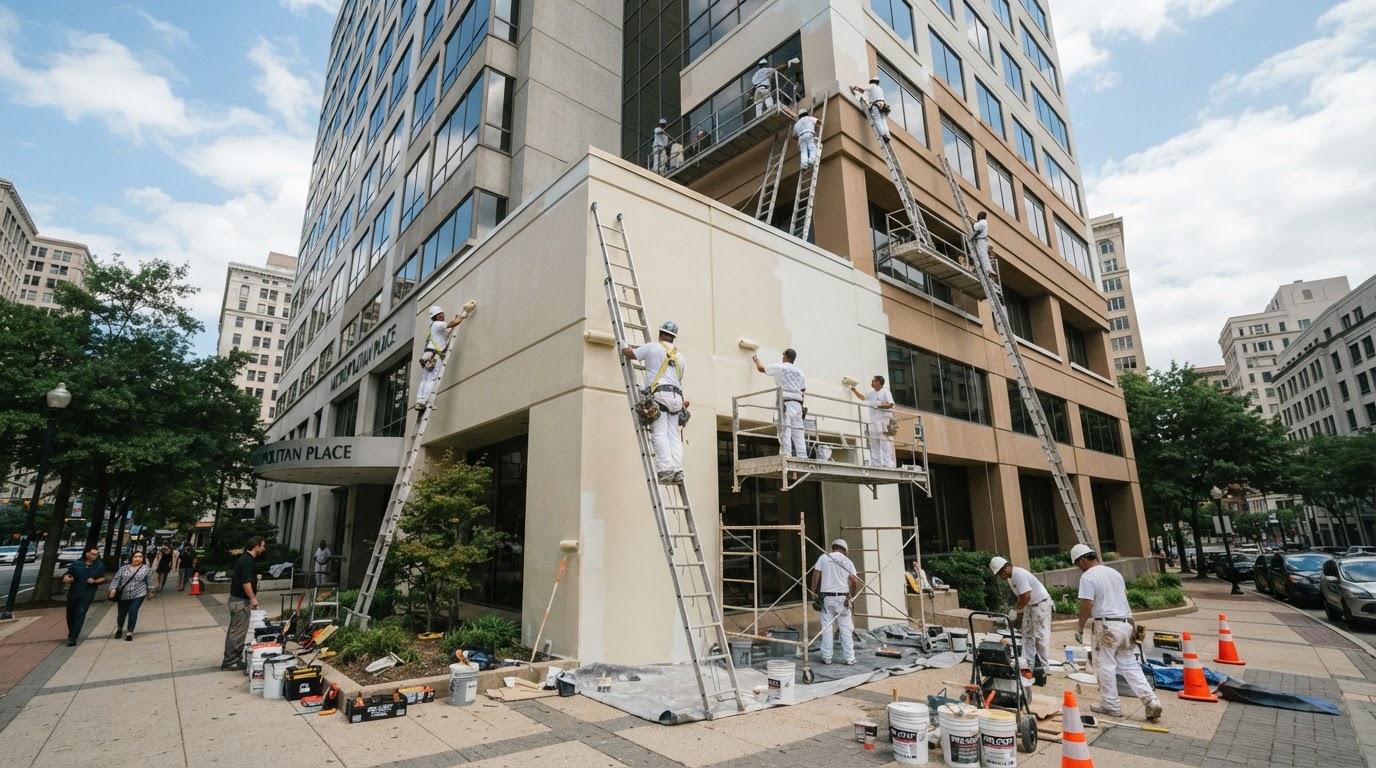
Commercial painting contractors following up on proposals for multi-building projects
Landscaping businesses bidding on HOA and property-management maintenance contracts
Cleaning companies following up on walkthroughs and recurring contract proposals
Automated follow-up helps keep bids visible but does not guarantee a contract will be awarded.
Follow-up messages must comply with applicable messaging regulations, including consent and opt-out requirements.
The system follows the configured schedule. Your team can pause, adjust, or take over conversations at any time.
Bid follow-up automation is included in the Growth plan and higher. Lower plans may require an add-on.
Define the stages of your bid process, from proposal sent to decision made.
Write or approve the follow-up message templates for each stage of the sequence.
Configure the timing and intervals between each follow-up message.
Connect your pipeline so bid status updates automatically when a prospect responds.
Review the first month of bid follow-ups and adjust messaging or timing based on what works.
Learn how this system applies to your specific industry.
No. Your team prepares and sends the bid. The system handles the follow-up — sending configured reminders and check-in messages after the bid is sent so the opportunity stays visible.
See how automated bid follow-up can help your team keep every proposal moving toward a decision.