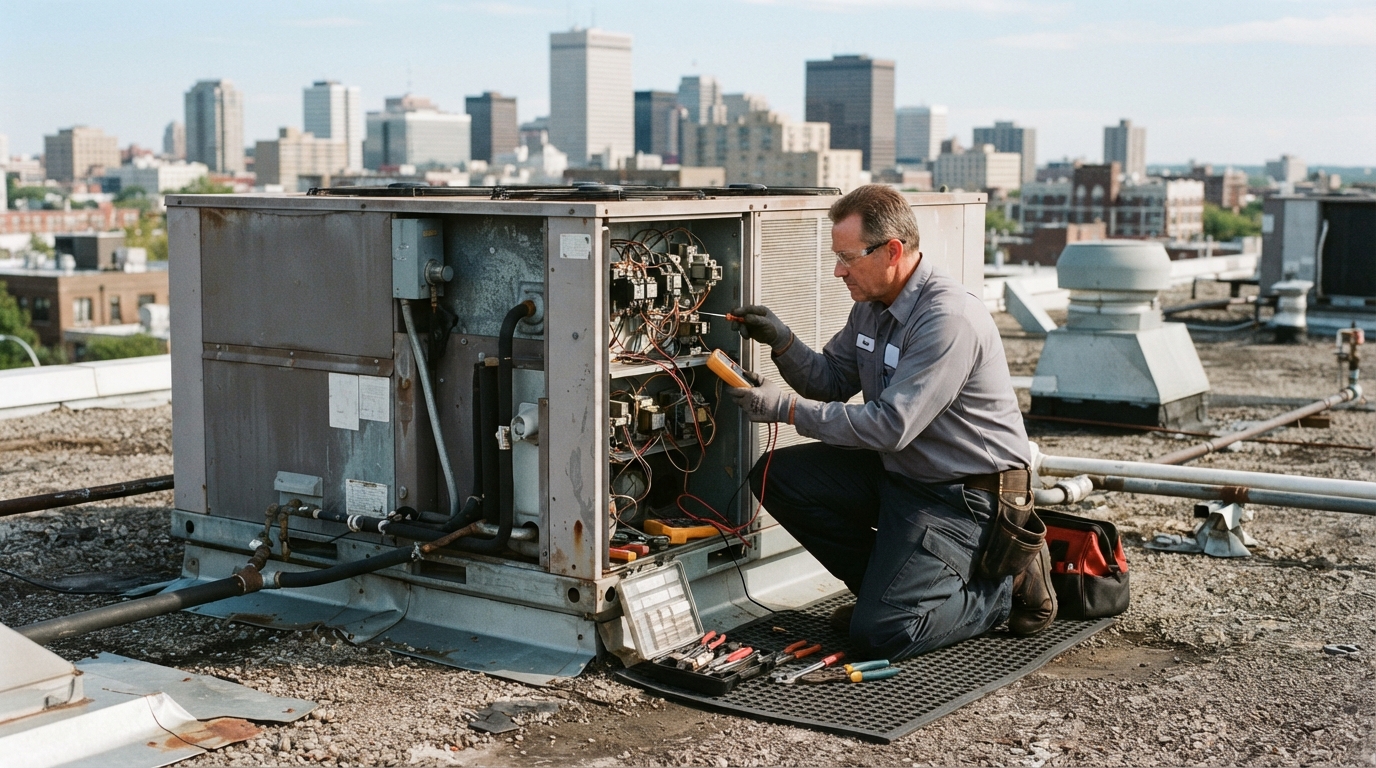
A facility manager at a multi-tenant office building calls a commercial plumber at 6:30 AM about a water heater leaking into a mechanical room. Your office does not open until 8. The call goes to voicemail. The facility manager hangs up and calls the next plumber on Google. By the time your team arrives, another company is already on site.
Commercial plumbing is largely an emergency-driven business. The company that answers the phone first often wins the job. But answering every call at every hour is not realistic for most plumbing companies — and the options most owners use have real problems.
This guide explains how an AI voice receptionist can help commercial plumbing companies answer calls, qualify requests, route urgent jobs, and capture after-hours opportunities — without replacing your human team or making unsafe promises. For a broader lead generation and follow-up system, see our commercial plumbing growth system.
What an AI Voice Receptionist Actually Does
An AI voice receptionist is a software system that answers phone calls to your business number in a natural-sounding voice. It listens to what the caller says, asks follow-up questions, collects information, and takes a next step — such as booking an appointment, routing the call to a team member, or sending a confirmation text.
It is not a recording that plays a menu. It is a conversational system that adapts to what each caller says. If a facility manager describes a burst pipe, the system can flag that as an emergency. If a property owner asks about a maintenance contract, the system can collect their details and route the request to your sales team.
The key idea: the system handles the first contact so your team can focus on the work that actually requires a human — diagnosing the problem, preparing the estimate, and doing the repair.
Appropriate Use Cases for Commercial Plumbing
Not every call belongs to an automated system. Understanding which calls work well — and which do not — is the first step in setting up a voice receptionist responsibly.
**After-hours emergency calls** are the most common use case. When your office is closed and a facility manager calls about a leak, the system can answer immediately, assess urgency, and route the call to your on-call technician instead of sending it to voicemail.
**Overflow calls during business hours** are another good fit. If your dispatcher is on another call and a second line rings, the system can answer, collect basic information, and let the caller know when someone will follow up — instead of letting the call go unanswered.
**Routine inquiries** — questions about service areas, maintenance contracts, or scheduling availability — work well. The system can answer common questions, collect contact details, and book a callback or consultation.
**Bid and quote requests** from property managers or general contractors can be captured after hours or during busy periods, so the opportunity is not lost before your team has a chance to respond.
Calls that should escalate to a human immediately include active emergencies with safety risks, complex diagnostic questions, and any situation where the caller is clearly distressed or confused. The system should recognize these and route them, not try to handle them alone.
After-Hours and Overflow Call Handling
The timing of the call changes how the system should respond. A call at 2 AM about a burst pipe is different from a call at noon about a maintenance contract.
After-Hours Calls
When your office is closed, the system answers every call. For emergencies, it collects the building address, the nature of the problem, and a callback number, then notifies your on-call technician immediately. For non-emergencies, it lets the caller know your office hours and offers to schedule a callback or appointment for the next business day.
Example — after-hours emergency call flow:
"Thank you for calling [Company Name]. Our office is closed, but if this is a plumbing emergency, please stay on the line. Can you tell me the address of the building and what is happening? … I have notified our on-call technician. They will call you back within [timeframe]. Is there a safe number to reach you at?"
Overflow During Business Hours
When your team is busy, the system can answer the second or third call that comes in simultaneously. It lets the caller know someone is available to help, collects their information, and offers to hold or schedule a callback — so no call goes to voicemail during your busiest hours.
Emergency Leak Triage
Plumbing emergencies need careful handling. The system should triage — not diagnose. Its job is to gather enough information to route the call correctly, not to troubleshoot the plumbing problem.
A simple triage flow asks: Is there active water? Is it a safety risk (gas, electrical, flooding)? What is the building type and address? Who is the contact on site? Based on the answers, the system routes the call to the right person or team.
The system should never tell a caller that the problem is minor, that they can wait, or that a specific repair is needed. It should acknowledge the urgency, collect the facts, and get a human involved as quickly as possible.
Caller Qualification
Not every caller is a qualified commercial opportunity. The system can ask a few questions to help your team prioritize follow-up:
- Is the caller a property manager, facility manager, or tenant?
- Is the building commercial or residential?
- Is this an emergency, a maintenance request, or a new project bid?
- What is the building address and contact information?
This information helps your team decide who should follow up and how quickly. A commercial property manager with an active leak gets routed to your on-call tech. A residential caller asking about a small repair might get scheduled for a callback during business hours.
Appointment and Request Capture
For non-emergency calls, the system can book appointments or capture requests for estimates and bids. It checks your calendar for available time slots, schedules the visit, and sends a confirmation text to the caller with the date, time, and any instructions.
For bid requests, the system collects the project details — building type, scope, timeline, contact information — and sends them to your sales team so they can prepare the estimate and follow up.
Human Handoff and Escalation Rules
The system should know when to hand off to a person. Clear escalation rules keep callers safe and your team efficient:
- Active emergencies route immediately to your on-call technician.
- Complex questions about pricing, scope, or diagnostics transfer to a team member during business hours or schedule a callback after hours.
- Frustrated or confused callers should be transferred to a human, not kept in an automated loop.
- Repeat callers who have already spoken to the system should be routed to a person, not asked the same questions again.
The goal is not to replace your team — it is to make sure every call is answered and the right calls reach the right person quickly.
Multilingual Considerations
If your service area includes communities where English is not the first language, a voice receptionist that can greet callers in multiple languages can help capture opportunities you might otherwise miss. The system can ask which language the caller prefers and continue the conversation accordingly.
This is especially useful in markets with significant Spanish-speaking property management teams or facility staff. A caller who can describe a plumbing problem in their preferred language is more likely to stay on the line and provide accurate information.
Setup Questions to Answer Before Launch
Before the system goes live, answer these questions with your team:
- 1What are your business hours and after-hours expectations? Define when the system answers and when your team takes over.
- 1What is your emergency definition? Decide what counts as an emergency and how quickly your on-call tech should respond.
- 1What information must the system collect? List the fields your team needs to act on the call — address, contact name, problem type, building type.
- 1Who receives which calls? Map routing rules: emergencies to on-call tech, bids to sales, maintenance to dispatch.
- 1What should the system never say? Set boundaries: no diagnosing problems, no quoting prices without approved rules, no promising specific repair outcomes.
Quality Assurance
Once the system is live, review calls regularly. Listen to recordings (where you have consent to do so), check whether the system asked the right questions, and confirm that emergencies were routed correctly.
Mistakes will happen — the system may misunderstand a caller or route a call incorrectly. The goal is to catch those issues quickly, adjust the call flow, and improve over time. Treat the voice receptionist like a new team member: train it, review its work, and give it feedback.
Metrics Worth Tracking
To know whether the system is helping, track a few practical metrics:
- Calls answered after hours — How many calls the system handled when your office was closed.
- Emergencies routed correctly — How many emergency calls reached your on-call tech without delay.
- Appointments or callbacks scheduled — How many non-emergency calls resulted in a booked next step.
- Calls that required human escalation — How often the system handed off to a person, and whether the handoff was smooth.
- Caller feedback — If you follow up with callers, ask whether the experience was helpful or frustrating.
These metrics help you see where the system is working and where it needs adjustment. For a broader view of how call response fits into your overall lead pipeline, see what results we track.
What an AI Voice Receptionist Should Not Do
Be clear about limitations. A responsible system does not:
- Diagnose plumbing problems or recommend specific repairs.
- Quote prices or commit to job costs without approved rules from your team.
- Tell a caller their situation is not an emergency — that decision belongs to a human.
- Replace your emergency procedures for gas leaks, flooding, or safety hazards.
- Pretend to be a human if the caller asks directly.
Setting these boundaries protects your callers, your team, and your business.
Implementation Checklist
Use this checklist before and during launch:
- [ ] Define business hours and after-hours coverage expectations.
- [ ] List the information the system must collect from every caller.
- [ ] Map routing rules: emergencies, bids, maintenance, general inquiries.
- [ ] Write escalation rules for complex or safety-related calls.
- [ ] Record or document the call flow for common scenarios.
- [ ] Test the system with your team before going live.
- [ ] Set up call recording review (where consent is obtained).
- [ ] Train your team on how to receive routed calls and follow-ups.
- [ ] Establish a weekly review of calls and routing accuracy.
A Realistic 30-Day Rollout
Rushing a launch leads to missed calls and frustrated callers. A phased approach is safer:
**Days 1–7: Planning and setup.** Answer the setup questions above, define routing rules, and write call flows. Test the system internally with your team.
**Days 8–14: Soft launch.** Turn the system on for after-hours calls only. Review every call the next morning. Adjust the call flow based on what you hear.
**Days 15–21: Expand to overflow.** Turn on overflow handling during business hours. Monitor how the system interacts with your dispatcher and adjust routing as needed.
**Days 22–30: Full review.** Review metrics from the first month. Identify which call types are handled well and which need adjustment. Refine the call flow, update routing rules, and plan the next cycle of improvements.
After 30 days, you should have a clear picture of how the system is helping and where it needs work. The goal is steady improvement, not perfection on day one.
Getting Started
An AI voice receptionist can help your commercial plumbing company answer more calls, qualify requests, and route urgent jobs — but only if it is set up thoughtfully and reviewed regularly. The system works best when it is part of a broader approach that includes automated follow-up, tracking results, and a clear process for your team.
Brainify Digital builds, configures, and manages voice receptionist systems for commercial plumbing companies — including call flow design, routing rules, quality review, and ongoing optimization. Get your free lead-loss audit to find out where calls and opportunities are slipping away, or learn about the AI voice agent and how it fits into your response and follow-up system.